The best MikroTik management platform for remote LTE and satellite sites in Kenya is one that connects outbound from the router, so it works behind carrier CGNAT without a public IP, and that stays light on data and tolerant of high latency. Tools such as MKController, Admiral Platform, mikroHUB and Centipid Access all take this approach in different ways. Pick on four things: tunnel behaviour, data use, alerting and backups. Brand features come second.
This article does not rank every tool. For a general comparison, see the best software to manage multiple MikroTik routers in Kenya. Here we look at what is different about remote LTE and satellite sites, and how to judge a platform against those conditions.
Why are LTE and satellite sites harder to manage than a normal office router?
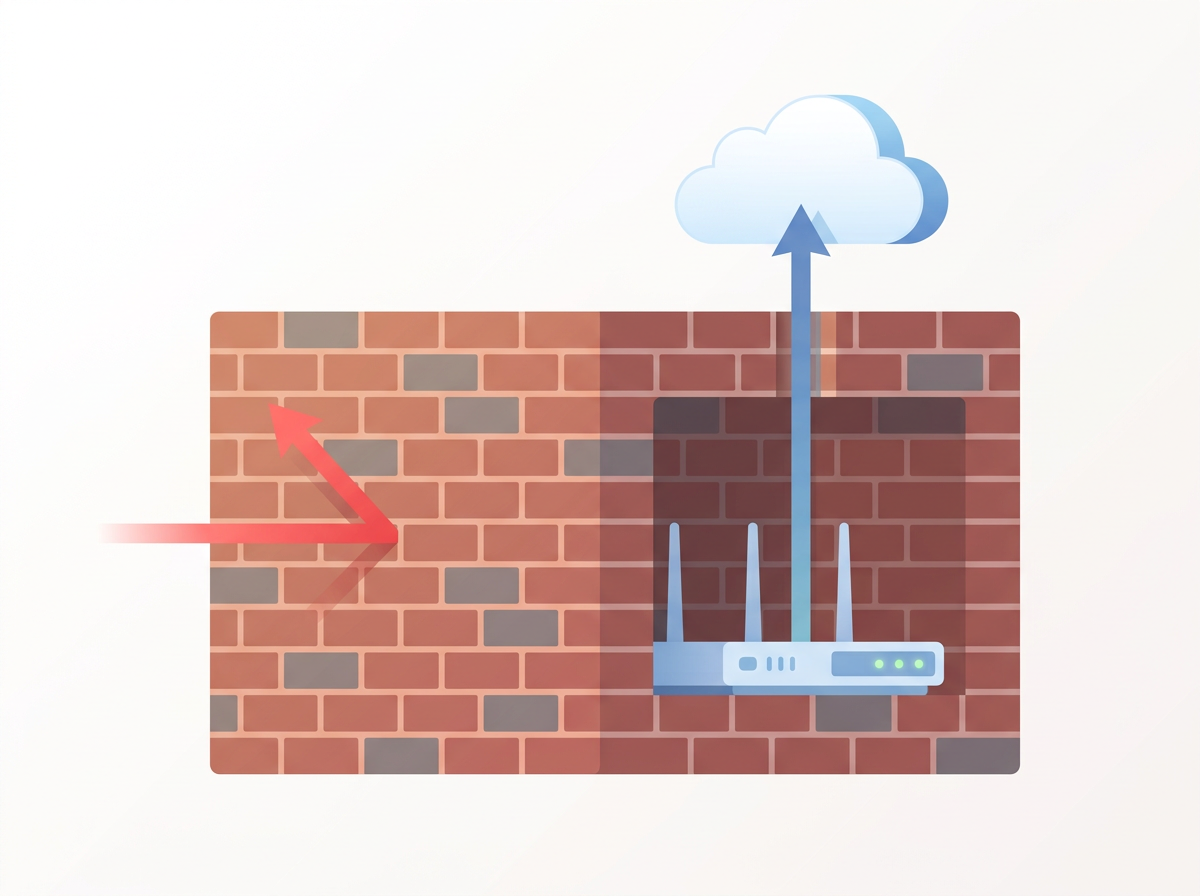
LTE and satellite sites are harder because you usually cannot reach them from the internet, the link is slow or metered, and nobody is on site to fix problems. Each of these breaks a common assumption in router management tools.
No public IP (CGNAT)
Most Kenyan mobile data SIMs and many satellite services place the router behind carrier-grade NAT. You cannot forward a port to it, and the address can change. Forum threads about LTE routers behind carrier dstnat describe this exact problem: WinBox and SSH by IP simply do not work. The router has to dial out to something you control or a service you use.
Metered or constrained data
A site on a prepaid bundle, or a satellite plan with a monthly cap, cannot afford a chatty management agent. Frequent full config pulls or large log streams eat into the bundle you bought for the actual users.
High latency and unstable links
Satellite links add noticeable delay, and LTE signal can drop for minutes at a time. A good platform reconnects on its own and does not treat every blip as a catastrophe.
Nobody on site
Remote sites are far from your team. A bad script or a firewall change that locks you out can mean a long, costly trip. Backups and safe, repeatable changes matter more here than in town.
What should a MikroTik management platform do for remote sites?
A good platform should give you a reliable outbound tunnel, clear online/offline state, remote WinBox and web access, scheduled backups, scripted changes and fast alerts. Use this as a checklist.
- Outbound tunnel with no public IP needed. The router initiates the connection, so CGNAT does not matter.
- Frequent but small health checks. You want to know quickly when a site drops, without a heavy data cost.
- Remote access through the platform. WinBox and WebFig reachable from your browser or desktop, without opening ports on the router.
- Backups kept off the router. If a device dies or is stolen, you need the config elsewhere.
- Scripts you can push to many routers. Useful for fixing APN settings, updating DNS or changing queue rules across sites.
- Alerts where your team already is. In Kenya that often means Telegram or WhatsApp-style messaging rather than email alone.
- Payment you can actually make. M-Pesa and local-friendly billing remove a real obstacle for many operators.
How do the main options compare for remote LTE and satellite sites?
The table below compares categories of approach, based on what each is designed to do, not on measured performance. Check each vendor's current documentation before deciding.
| Approach | Works behind CGNAT | Good fit for | Watch out for |
|---|---|---|---|
| Cloud fleet platforms (e.g. MKController, Admiral Platform, mikroHUB) | Typically yes, via a tunnel or agent | Larger fleets, central config management | Check pricing model (often per device) and data use |
| Monitoring plus tunnel service (e.g. Centipid Access) | Yes, via an SSTP tunnel from the router | Teams that want outage alerts and remote access in one place | Focus is monitoring, access, scripts and backups rather than deep config templating |
| Self-hosted tools (e.g. MikroTik Manager, MikroWizard) | Only if you provide a reachable server | Teams with a VPS and time to maintain it | You run and secure the server yourself |
| Remote WinBox style services (e.g. RemoteWinBox, RemoteMikroTik) | Yes, via relay | Quick access to a few routers | Less emphasis on monitoring and alerting |
| Manual VPN you build yourself | Yes, if the router dials out | Engineers comfortable with SSTP/WireGuard/OVPN | You maintain certificates, servers and monitoring separately |
Which tunnel type suits unreliable links?
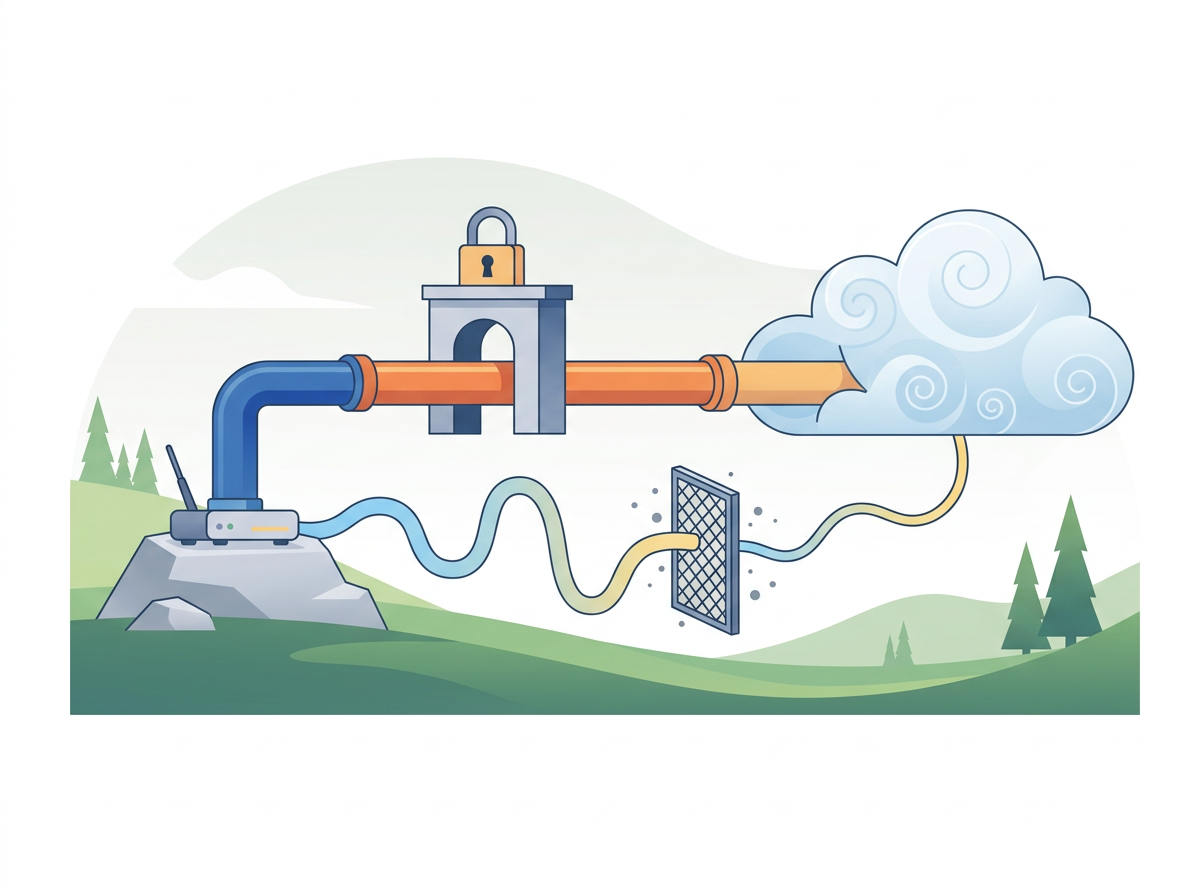
For most remote sites, an outbound tunnel that re-establishes itself is what matters, more than the protocol name. SSTP runs over TCP port 443, which passes through most mobile networks and firewalls. WireGuard is lighter and handles roaming well but depends on UDP being allowed. If your satellite provider or APN filters UDP, SSTP is the safer default.
Centipid Access uses SSTP. You paste one command into the MikroTik terminal, which creates the tunnel, and the tunnel state is synced every 30 seconds. That tunnel state doubles as your health signal: if the tunnel is down, the router is unreachable, and you are alerted.
How do you avoid false alarms on flaky LTE links?

To avoid false alarms, separate a short blip from a real outage, and alert people only when the problem lasts. LTE sites that reconnect in 30 seconds should not wake someone at 3 a.m.
- Choose a polling interval that matches how critical the site is. Faster polling finds outages sooner but may alert more often on unstable links.
- Route critical sites to Telegram and let email act as escalation.
- Keep a public status page for customer-facing sites so people see incidents without calling you.
On Centipid Access, polling is 5 minutes on Free and Starter, 1 minute on Growth, and 30 seconds on Pro and Scale. Telegram alerts start on the Growth plan; Free and Starter use email.
What about data usage on metered sites?
Keep management traffic low by monitoring state rather than pulling full configs constantly, and by running scripts and backups on a schedule instead of continuously. Ask any vendor how much data the agent or tunnel keeps alive per day, because the answer is not always published. Where it is not, test on one site and read the interface counters on the router for a few days before rolling out.
How do you stay safe when changing remote routers?
Back up before every change, test on one router first, and use scripts you can repeat. With Centipid Access, MikroTik backups are kept for 30 days on all plans, and you can save a script, attach it to routers and run it now or on a schedule. That gives you a way to roll a fix to many sites and a copy to restore from if something goes wrong.
Also keep a fallback. On MikroTik, a safe-mode session in the terminal or a scheduled revert script can bring a router back if you lose access after a change.
How does Centipid Access fit remote LTE and satellite sites?
Centipid Access fits teams that want to know about outages quickly and reach routers without public IPs. It monitors online, offline and tunnel state for each MikroTik, lets you open them remotely through web access and WinBox, and sends Telegram or email alerts. It also covers websites and Linux servers in the same dashboard, which helps if the remote site hosts a service you need watched.
Pricing is in bundled tiers, not per device. Free covers one device with no card. Starter is $10/month for 4 devices, Growth is $29/month for 15 devices, Pro is $59/month for 35 devices, and Scale is $119/month for 80 devices. All plans include unlimited users, and you can pay by card, bank transfer or M-Pesa. If you need deep template-based configuration management across hundreds of devices, compare it with the dedicated fleet platforms above.
For log visibility across sites, see how to view logs from all your MikroTik routers in one place.
A practical way to choose
- List your sites and note which are behind CGNAT, on metered data or on satellite.
- Pick two or three platforms from the table above.
- Pilot on one LTE site and one satellite site for a week.
- Check tunnel stability, data use, alert speed and whether remote WinBox opens reliably.
- Confirm you can pay in a way that works for you, such as M-Pesa.
FAQ
Can I manage a MikroTik on LTE without a public IP?
Yes. The router creates an outbound tunnel to a management service, so you reach it through that tunnel instead of through a public address.
Is SSTP a good choice over satellite?
It is often a safe choice because it runs over TCP 443, which most networks allow. Latency will still affect how responsive WinBox feels, so expect some delay.
Do I need a VPS to manage remote MikroTiks?
Not with a hosted service. A VPS is needed only if you self-host a tool or run your own VPN server.
How fast will I know a remote site is down?
It depends on polling. On Centipid Access that ranges from 5 minutes on Free and Starter to 30 seconds on Pro and Scale.
Can I try Centipid Access on one site first?
Yes. The Free plan covers one device permanently with no credit card, and setup is one command pasted into the router terminal.
Can I pay with M-Pesa?
Yes. Centipid Access accepts M-Pesa, major cards and bank transfer.