The best way to view logs from all your MikroTik routers in one place is to send them to a central syslog server. On each router, create a remote logging action under System > Logging pointing at your collector's IP and port 514 (UDP), then add rules that decide which topics get forwarded. Your collector (rsyslog, syslog-ng, Graylog, Grafana Loki or an Elastic stack) stores everything, and you search it from a single screen instead of logging into each router.
This guide walks through the setup, the choices that matter once you have more than a handful of routers, and where logs fit alongside uptime monitoring.
Why the built-in log is not enough
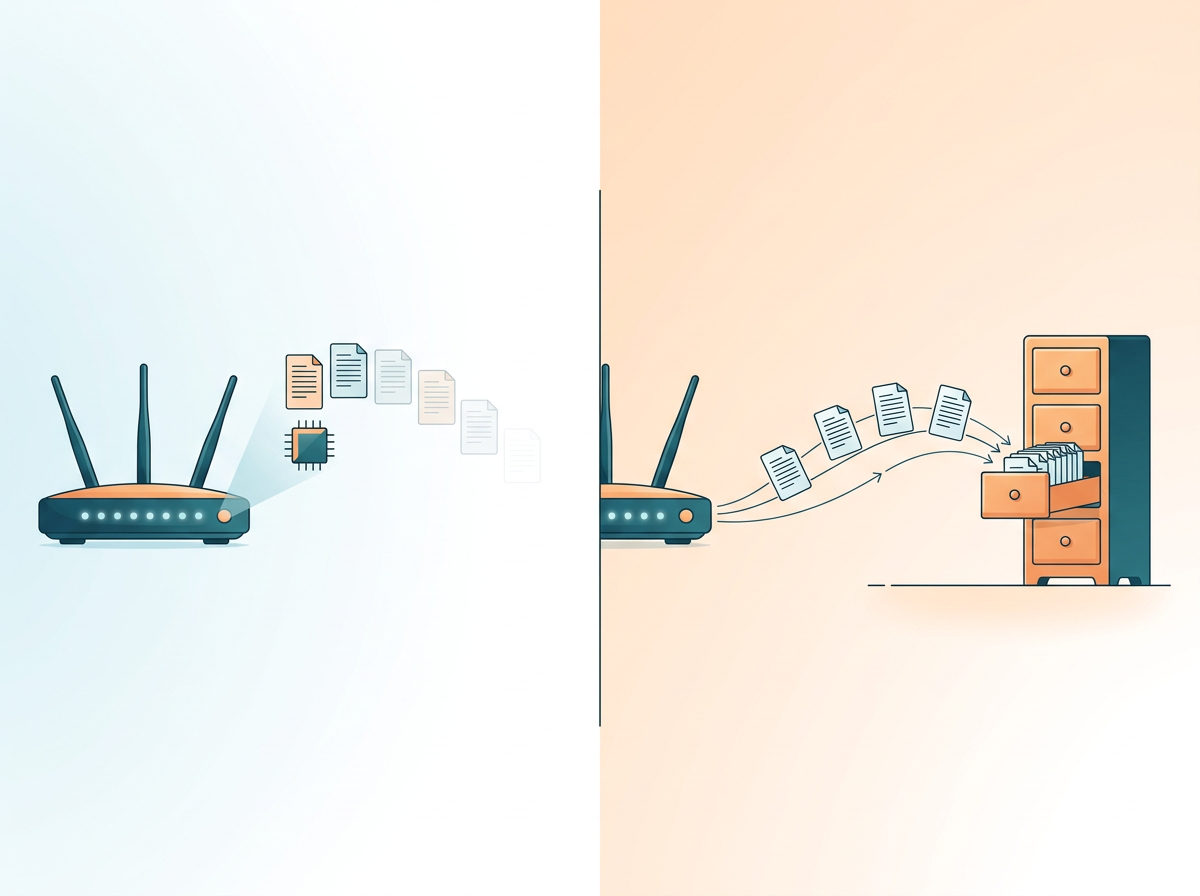
RouterOS keeps its log in RAM by default. That causes three problems on a fleet:
- It disappears on reboot. The event you most want to read, such as why a router restarted, may be gone when it comes back.
- It is small. The memory buffer holds a limited number of lines, and busy routers push old entries out quickly.
- It is per-device. Investigating an issue across ten sites means ten logins, and some of those routers may be unreachable at that moment.
Remote logging fixes all three. Entries leave the router as they are generated, so they survive reboots and are stored where you choose.
Step 1: Choose a collector
Pick something you can realistically maintain. Common options:
- rsyslog or syslog-ng on a Linux VM. Simple, light, and writes plain files you can search with grep. A good starting point for a small fleet.
- Graylog. A dedicated log platform with search, streams and alerting.
- Grafana Loki or an Elastic stack. Better if you already run these for other systems and want dashboards.
- A hosted log service. Less to maintain, but check pricing and data location.
Whatever you pick, make sure it listens on UDP or TCP 514 (or another port you choose) and that the firewall on the collector allows traffic from your routers.
Step 2: Configure remote logging on each router
In WinBox or WebFig, go to System > Logging > Actions and add an action:
- Name: for example
central - Type: remote
- Remote address: the collector's IP
- Remote port: 514
- Src address: optional, but useful for fixing the source IP
- BSD syslog: enable it if your collector expects standard BSD-format messages
Then go to the Rules tab and add rules that use that action. Pick the topics you care about, such as system, error, critical, warning, interface, firewall, dhcp, wireless and account. You can start with a broad set and trim later.
The terminal equivalent looks like this:
/system logging action add name=central target=remote remote=192.0.2.10 remote-port=514
/system logging add topics=system,error,critical,warning action=central
Replace the example address with your own collector. Because the commands are plain text, you can save them as a script and apply them to every router rather than clicking through each one.
Step 3: Make logs identifiable
The most common surprise when you centralize logs is that every message looks the same. Routers send their log lines with a hostname, so set a unique identity on each one under System > Identity before you start. Use a naming scheme that tells you the site and role, for example nairobi-cbd-edge-01. Without this, searching your collector for one site's problems becomes guesswork.
Also confirm every router's clock is correct. Enable the NTP client so timestamps line up across devices. If clocks drift, correlating an event on one router with an event on another becomes unreliable.
Step 4: Handle routers behind NAT or without public IPs
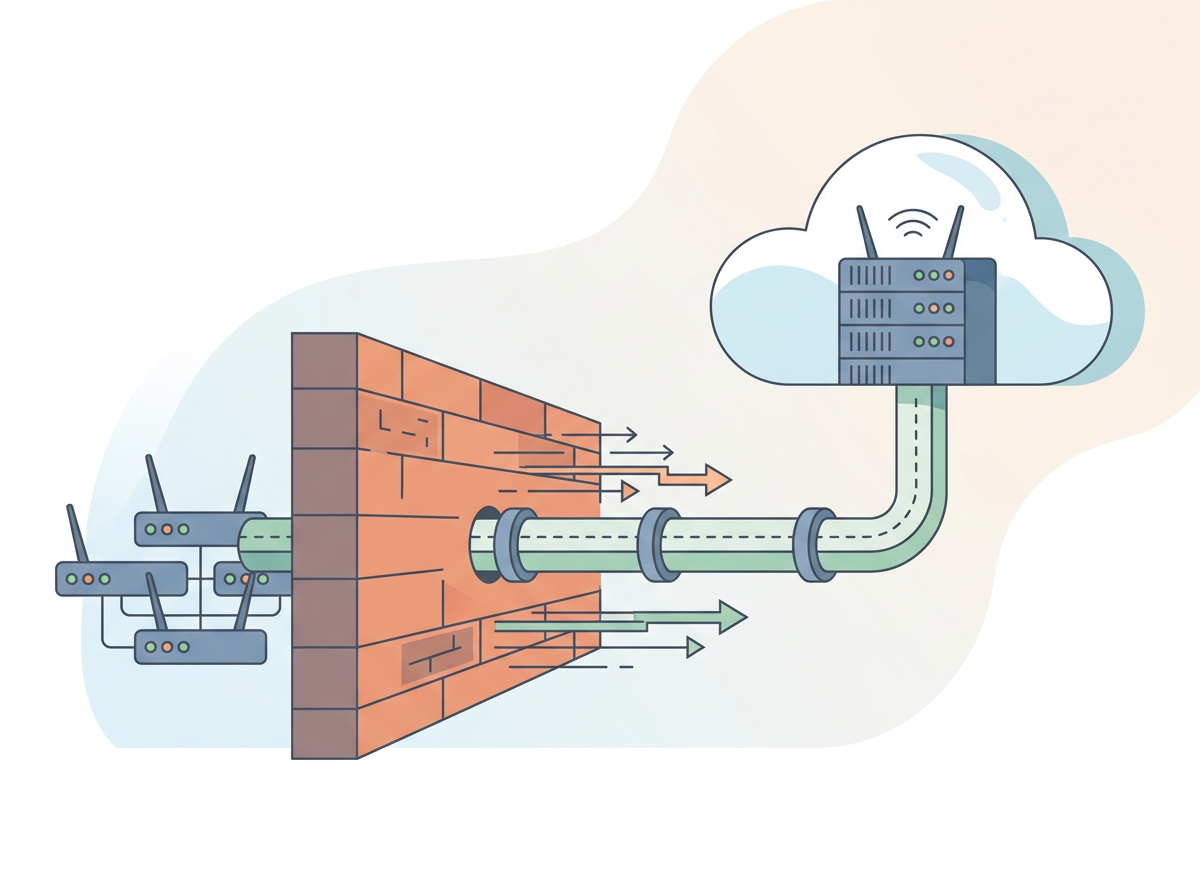
Remote syslog is simple when routers can reach the collector directly. Many fleets are not that tidy: routers sit behind carrier-grade NAT, on mobile connections, or at customer sites you do not control. Options include:
- Put the collector on a public IP and let routers send out to it. Outbound traffic works through NAT, so this is usually the easiest route.
- Send logs over a VPN or tunnel to a collector on a private address, so log traffic is not exposed on the internet.
- Use TCP rather than UDP where your RouterOS version and collector support it, because UDP drops messages silently when the link is poor.
Syslog over plain UDP is unencrypted. If logs include usernames, addresses or other sensitive details, send them through a tunnel or restrict the collector with firewall rules.
Step 5: Reduce noise
A fleet generates a lot of lines. Decide early what is worth keeping:
- Forward
critical,errorandwarningeverywhere. - Add
accountso you can see logins and failed attempts. - Add
interfaceandsystemto catch link flaps and reboots. - Be careful with
firewalllogging. Logging every dropped packet can flood both the router and the collector. Log only specific rules you care about, with a prefix that names the rule. - Avoid
debugtopics except while troubleshooting.
On the collector side, set retention that matches your needs and disk space. Rotate files or set index lifecycle rules so a noisy router cannot fill the disk.
Step 6: Search and alert on what matters
Once logs are flowing, build a few saved searches you will use repeatedly:
- Login failures by source address
- Interface up/down events per site
- Router reboots or power-related messages
- DHCP or wireless errors for a given location
If your collector supports alerts, trigger them on patterns such as repeated failed logins rather than every single line.
Where logs stop and monitoring starts
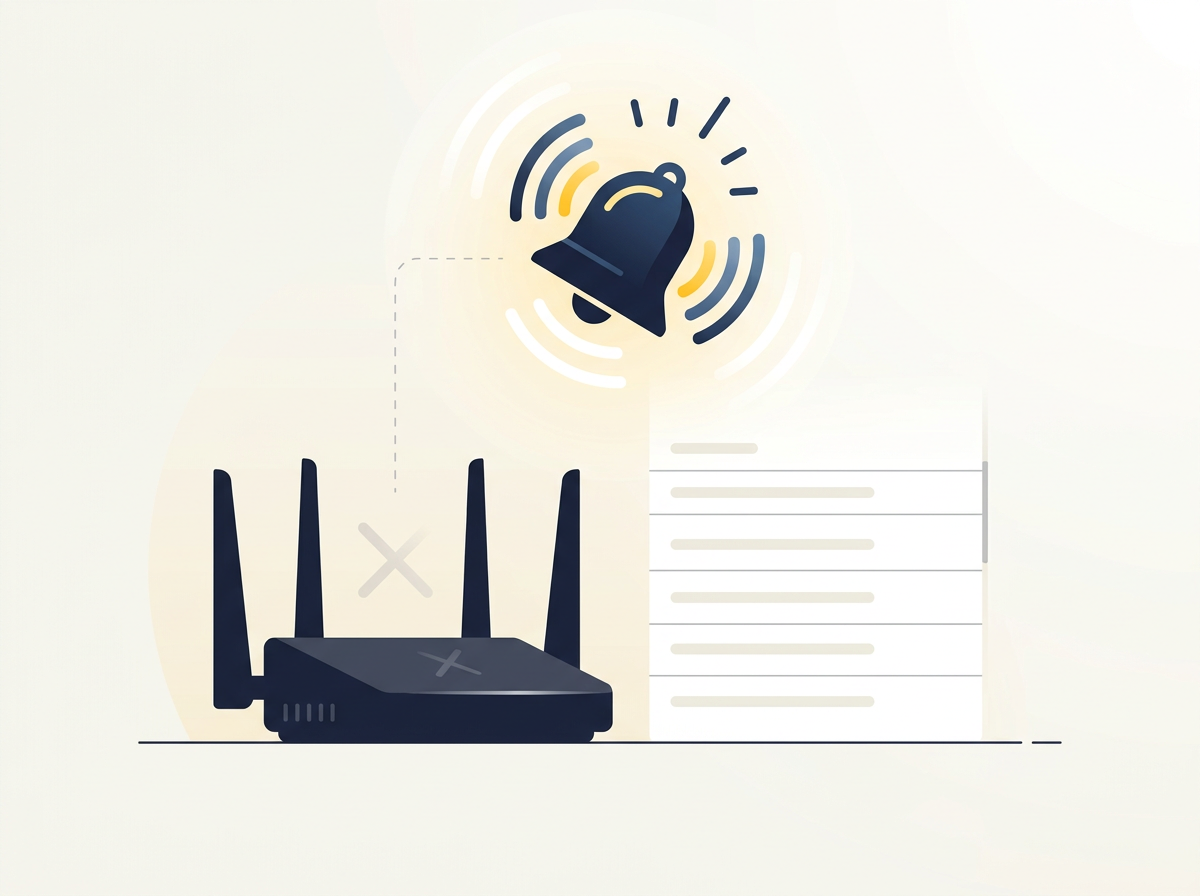
Logs have a built-in blind spot: a router that is down or cut off from the internet cannot send you anything. The absence of logs is not an alert by itself, and unless you watch for it, a silent site can stay silent for hours.
That is why most teams pair a log collector with an availability check. A monitoring service such as Centipid Access tracks whether each MikroTik is online, offline and whether its tunnel is up, and sends Telegram or email alerts when something changes. Logs then tell you why it happened, while monitoring tells you that it happened, and quickly.
Centipid Access connects through a command you paste into the router terminal, which creates an SSTP tunnel. It is a monitoring tool rather than a log collector, so you would still run syslog separately, but there are some practical overlaps:
- Scripts. You can save a script, attach it to routers, and run it now or on a schedule. That is a convenient way to apply the same logging action and rules to every router rather than typing them in one by one.
- Remote access. Access to routers through the web or WinBox without public IPs helps when you need to inspect the local log on a device that is not directly reachable.
- Backups. Configuration backups are kept for 30 days on all plans, which is handy before you change logging rules on a fleet.
The free plan covers one device, so you can try this on a single router before rolling it out. For a broader look at fleet tools, see software to manage multiple MikroTik routers.
A practical rollout plan
- Stand up a collector and confirm it receives a test message from one router.
- Set unique identities and NTP on every router.
- Save the logging action and rules as a script and test them on a pilot group.
- Roll out to the rest of the fleet, then check that every hostname appears in the collector.
- Tune topics after a week, removing noisy ones.
- Add availability monitoring so a router that stops sending logs triggers an alert.
FAQ
Can I view MikroTik logs from several routers in WinBox?
Not in one combined view. WinBox shows the log of the router you are connected to. For a single view across devices you need remote syslog and a collector.
Which port does MikroTik use for remote syslog?
The default is UDP port 514, and you can change the remote port in the logging action if your collector listens elsewhere.
Do I need a public IP on each router to send logs?
No. Routers send logs outbound, so they work behind NAT. The collector needs to be reachable from the routers, either on a public address or through a tunnel.
Will remote logging slow down my routers?
Sending a sensible set of topics has little impact. Heavy firewall logging or debug topics can create a lot of traffic and load, so keep those targeted.
What happens to logs if the collector is offline?
With UDP, messages sent during the outage are lost. The router's local memory log still keeps recent entries, but they are limited and cleared on reboot.
Is a log collector the same as monitoring?
No. A collector stores and searches events. Monitoring checks whether devices and services are up and alerts you. Most teams use both.
Can Centipid Access collect my MikroTik logs?
No. It monitors router and tunnel state and alerts you, and it can run saved scripts on your routers, which helps you roll out logging settings. Use a syslog collector for log storage.