The best RMM tool for a Kenyan WISP running MikroTik is one that reaches routers behind CGNAT without public IPs, alerts you on Telegram before customers call, backs up configs, and runs scripts across many routers. No single tool is best for everyone. Admiral and MKController suit full cloud management, LibreNMS suits teams who want to self-host, and Centipid Access suits WISPs who want monitoring, remote access and backups in one simple bundled plan, starting with a free single-device tier.
What does an RMM need to do for a MikroTik WISP?
A WISP RMM (remote monitoring and management tool) must do four jobs: tell you a router is down, let you reach it, let you change it safely, and keep a copy of its config. Generic RMM products built for Windows desktops usually fail here, because RouterOS is not an endpoint you install an agent on.
Use this checklist when you evaluate any option:
- Reachability without public IPs. Many Kenyan last-mile sites sit on LTE, shared fibre or CGNAT. The tool should build a tunnel outbound from the router, so you do not need static addresses.
- Fast, reliable alerts. Telegram is where most Kenyan network teams already live. Email should be the fallback or escalation.
- Remote access from anywhere. Browser-based WebFig and Winbox access without VPN juggling saves hours.
- Bulk scripts. Pushing a firewall rule or a DNS change to 40 routers by hand is how mistakes happen.
- Config backups with retention. You want to roll back after a bad change or a dead router.
- Pricing you can predict. Per-device pricing in dollars gets painful as you add CPEs and sector routers.
- Local payment. M-Pesa or bank transfer matters when cards are a hurdle.
How do the main options compare?
The table below compares the approaches Kenyan WISPs most often consider. Check each vendor's current pricing and features yourself, since they change.
| Option | Type | Strength | Watch out for |
|---|---|---|---|
| Admiral Platform | Cloud MikroTik management | Deep, MikroTik-focused cloud control | Check pricing model and payment methods for Kenya |
| MKController / MikroWizard | Dedicated MikroTik managers | Fleet configuration and updates | Hosting, setup effort and support vary |
| LibreNMS | Self-hosted open-source NMS | Free software, SNMP graphs, flexible | You run the server, and it is not a RouterOS tunnel/remote-access tool |
| The Dude (MikroTik) | Free MikroTik tool | Network maps, native to RouterOS | Needs a server you maintain and network reach to devices |
| Billing suites with monitoring | Billing plus network tools | Customer, invoice and router in one place | Monitoring is often secondary to billing |
| Centipid Access | Hosted monitoring and access | One-command SSTP tunnel, Telegram alerts, backups, scripts, M-Pesa | Focused on monitoring and access, not billing |
Do I need a public IP to manage my MikroTik routers remotely?
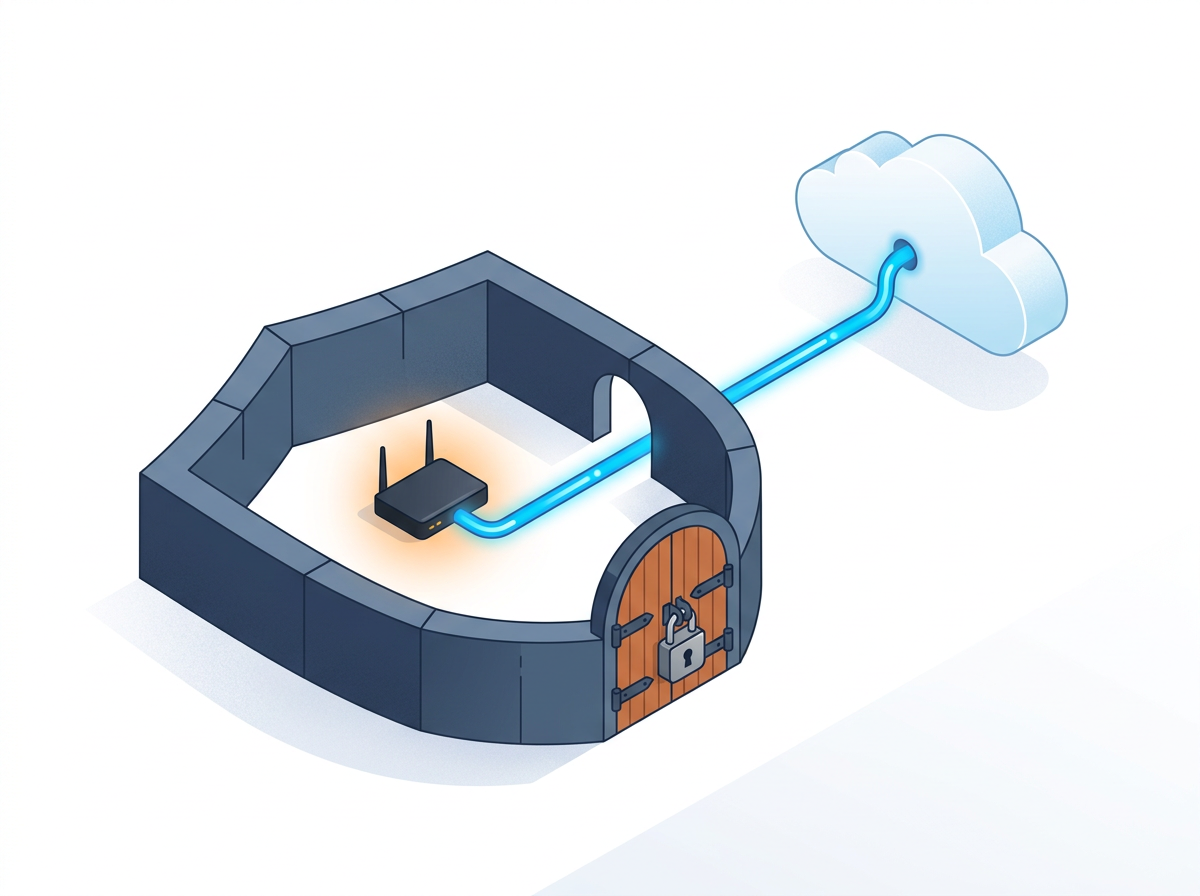
No. You do not need a public IP if the router opens the tunnel outward to a management service. This is the single most important feature for Kenyan WISPs, since LTE modems and many ISP handoffs give you no inbound access.
With Centipid Access you paste one command into the MikroTik terminal. It creates an SSTP tunnel, and tunnel state is synced every 30 seconds. From there you can open the router through the web or Winbox without exposing it to the internet. For the remote-site angle in depth, see MikroTik management for remote LTE and satellite sites.
What should a WISP monitor beyond "router up or down"?
A WISP should monitor router online state, tunnel state, the servers behind the network, and the websites customers use to reach you, such as your portal or payment page. A router can be reachable while your billing server is down, and customers will not distinguish between the two.
Centipid Access puts website uptime, Linux server metrics (CPU, RAM, disk, load, network via agent or SNMP) and MikroTik routers on one dashboard. That lets a small team check one place at 2 a.m. instead of three.
How should alerts work for a small NOC?
Alerts should reach the on-call person in a chat app, and escalate if nobody responds. A dashboard nobody is looking at does not help you.
Centipid Access is Telegram-first, with email escalation for incidents. Note the plan detail: Telegram alerts are on Growth and above, while Free and Starter plans list email alerts only. If you want to centralise what routers record, pair alerts with a single view of logs from all your MikroTik routers.
Can I run scripts and back up configs across routers?
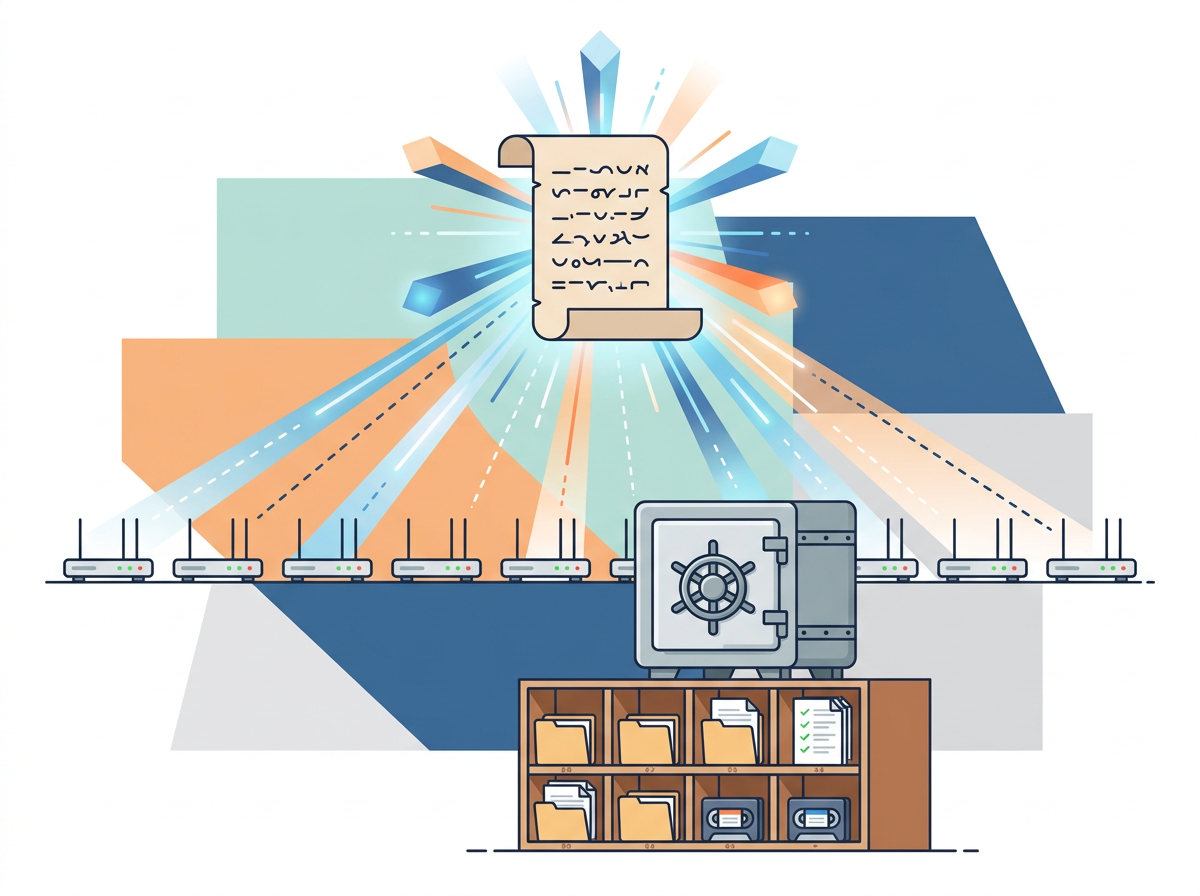
Yes, and this is where an RMM pays for itself. You save a script once, attach it to the routers that need it, and run it now or on a schedule. That replaces logging into each device for routine changes such as updating a DNS server or adding a firewall address list.
Backups matter just as much. Centipid Access keeps MikroTik backups with 30-day retention on all plans, so you can recover after a failed upgrade or a stolen router. Test a restore on a spare device before you rely on any backup.
Can I show customers an outage status page?
A public status page lets you tell subscribers about an incident once instead of answering hundreds of calls. Centipid Access includes status pages from the Growth plan up (1 on Growth, 3 on Pro, 10 on Scale). Many WISPs overlook this, and the tools ranking for this question rarely cover it.
What does it cost, and what does a WISP actually need?
Centipid Access uses bundled tiers, not per-device pricing:
| Plan | Price | Devices | Polling | Alerts |
|---|---|---|---|---|
| Free | $0/mo | 1 | 5 min | |
| Starter | $10/mo | 4 | 5 min | |
| Growth | $29/mo | 15 | 1 min | Email + Telegram |
| Pro | $59/mo | 35 | 30 sec | Email + Telegram |
| Scale | $119/mo | 80 | 30 sec | Email + Telegram |
Annual billing gives two months free. Payment is by Visa/Mastercard, bank transfer or M-Pesa, with no setup fees or contracts. All plans include unlimited users, so your whole team can have a login.
A rough fit: a small WISP with a handful of core routers can start on Starter or Growth. A growing operator with many tower and aggregation routers should look at Pro or Scale. Larger networks can ask about Enterprise.
How do I choose and test one in a week?
Run a short trial rather than reading feature lists:
- Pick one core router and one remote LTE site.
- Connect both to the tool and confirm you can open them remotely without public IPs.
- Pull the plug on the LTE site and time how long the alert takes to reach your phone.
- Run a harmless script, such as adding a comment, on both routers.
- Take a backup and confirm you can download it.
- Check whether you can pay in a way that works for your business.
Centipid Access is quick to try: the free plan covers one device permanently with no credit card, and the company says you can be live in about five minutes. If you are comparing broader fleet tools, our guide to the best software to manage multiple MikroTik routers in Kenya goes deeper on that side.
When is another tool the better choice?
Be honest about fit. If you want billing, hotspot vouchers and PPPoE customer management in one system, a billing-centred platform will serve you better, and you can still add a monitoring layer. If you have a sysadmin who enjoys running servers and wants SNMP graphs for every interface, LibreNMS is a strong free option. If you need very deep RouterOS configuration templating, look at the dedicated MikroTik managers. Centipid Access is strongest when your priority is knowing about outages quickly and reaching routers behind NAT.
FAQ
What is an RMM tool for a WISP?
It is software that monitors your network devices, alerts you to problems and lets you manage them remotely. For a MikroTik WISP, that means router status, remote access, scripts and backups rather than desktop patching.
Is there a free RMM for MikroTik?
Yes, in several forms. LibreNMS and The Dude are free software you host yourself. Centipid Access has a free hosted plan for one device with email alerts and 7-day history.
Do I need special setup for MikroTik with Centipid Access?
No. You paste the provided command into the router terminal, which sets up an SSTP tunnel, and monitoring starts.
Can I pay in M-Pesa?
Yes. Centipid Access accepts M-Pesa, major cards and bank transfer.
What if I outgrow my plan?
Move up a tier at any time, or talk to the team about a custom Enterprise setup. You can upgrade or downgrade without long-term lock-in.
Is my device data secure?
Connections are encrypted and credentials are handled securely.
Can I get help?
A real person replies within 24 hours through WhatsApp or the contact form, and you can book a demo to choose a plan.