Yes, there are free tools that run on your own server and can manage 10 MikroTik devices. The main options are open-source dashboards such as MikroTik Manager, MikroWizard, mikr, TikMan and ROSM, plus MikroTik's own WinBox, which is free but runs on your desktop rather than a server. None of them is a one-size-fits-all answer, because they differ in what they actually do: configuration, backups, scripts, or monitoring and alerting. This guide helps you pick by the job you need done.
Is there a free tool to manage up to 10 MikroTik devices on my own server?
Yes. At 10 devices you are below the point where licensing matters for most self-hosted projects, so the real question is which features you need. Most free projects fall into one of these groups:
- Fleet dashboards and config managers: web apps that connect to each router over the RouterOS API or SSH, list devices, push commands and store backups. MikroWizard and MikroTik Manager are examples people commonly mention.
- Lightweight or desktop-style managers: tools such as TikMan or ROSM, which give you a fleet view without a full server stack.
- Version control approaches: exporting configs with
/exportand committing them to Git on a schedule. This is a favourite in MikroTik forum threads and costs nothing. - WinBox and WebFig: MikroTik's own tools. They manage one router at a time and are not fleet managers.
Check each project's repository for its current license, features and maintenance status before you commit, since small open-source projects change quickly.
What should a self-hosted MikroTik tool do for 10 routers?
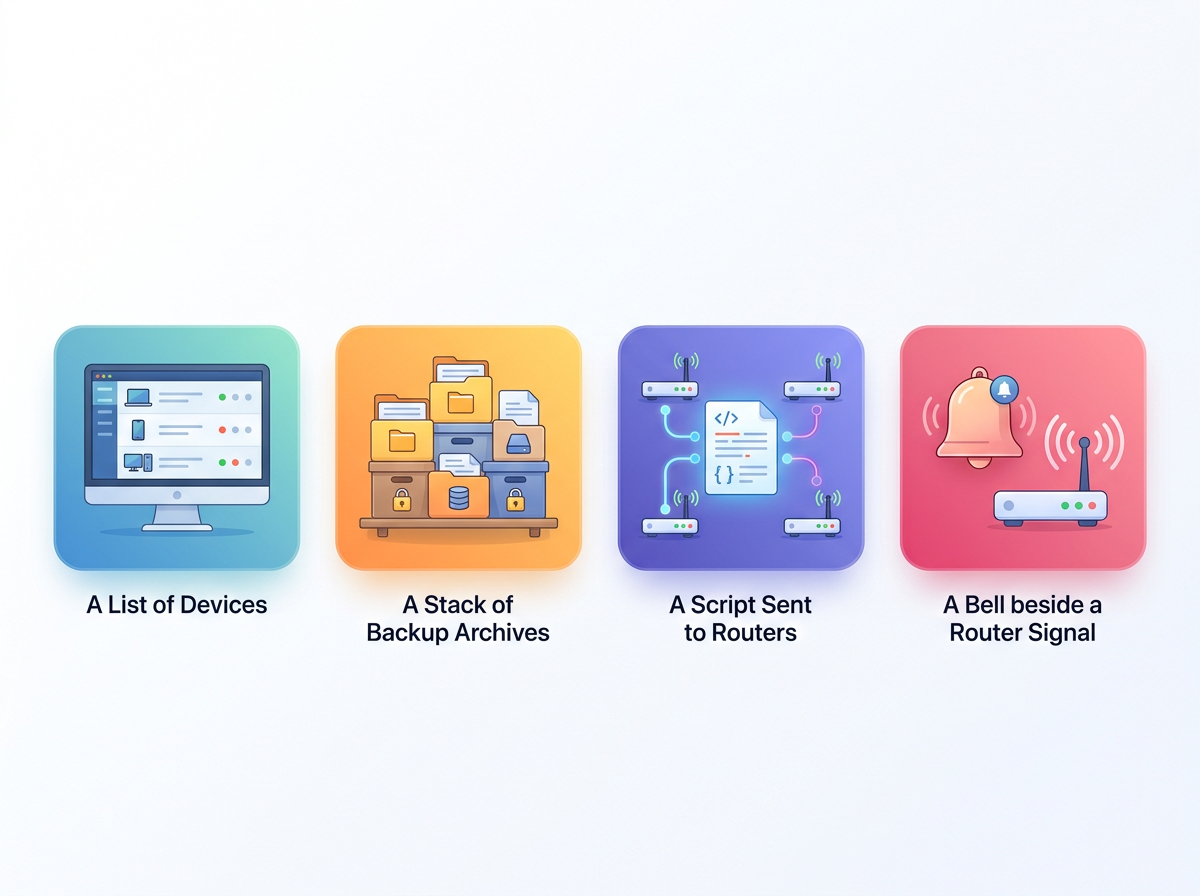
A good tool for ten routers covers four jobs. Decide which ones you need before you install anything.
- Inventory and access: a list of devices with their RouterOS version, identity and reachability.
- Configuration backup: scheduled exports or binary backups, ideally with history so you can diff changes.
- Bulk actions: running the same script or command on several routers, for example updating a firewall rule or NTP setting.
- Monitoring and alerts: knowing a router is offline before a customer tells you.
Most free self-hosted tools do the first three reasonably well. Alerting is where they tend to be thinnest, and it is the part most teams only miss after an outage.
How do the main free options compare?
| Option | Runs on | Best for | Typical gap |
|---|---|---|---|
| MikroWizard | Your server (self-hosted) | Bulk config, backups, scripts | You maintain it and its updates |
| MikroTik Manager | Your server (self-hosted) | Fleet dashboard and inventory | Check alerting and maintenance status |
| mikr / TikMan / ROSM | Server or desktop | Simple fleet view, small setups | Smaller communities, fewer features |
| Git plus scheduled export | Any Linux box | Config history and change tracking | No UI, no live status |
| WinBox / WebFig | Your PC or the router | Hands-on config of one router | Not a fleet manager |
This table is a summary of categories, not a benchmark. Features vary by version, so verify against each project's documentation.
What does self-hosting cost you besides money?
Self-hosting is free in licence terms, but it is not free in time. For ten routers the hidden costs are usually these:
- A server that stays up. If your management server is down, so is your visibility. Monitoring that lives on the same network it watches fails silently when that network fails.
- Reachability. Your server must reach each router. Routers behind CGNAT, LTE or satellite links often have no public IP, so you need VPN tunnels or port forwarding.
- Credentials. The tool stores API or SSH credentials for every router, so you are responsible for securing and patching it.
- Updates. Small open-source projects can lag behind new RouterOS releases, and you apply fixes yourself.
None of these is a dealbreaker. They are just the work you accept in exchange for control.
How do you reach routers that have no public IP?

The usual answer is a tunnel from each router back to a central point. SSTP, WireGuard and OpenVPN all work on RouterOS. If you self-host, you run the VPN server, manage certificates or keys, and keep the tunnels healthy. Plenty of admins do this happily, but it is the step that most often turns a ten-minute install into a weekend project.
If your sites sit on mobile or satellite links, our guide to managing remote LTE and satellite MikroTik sites covers the connectivity side in more detail.
What is the simplest free setup that works?
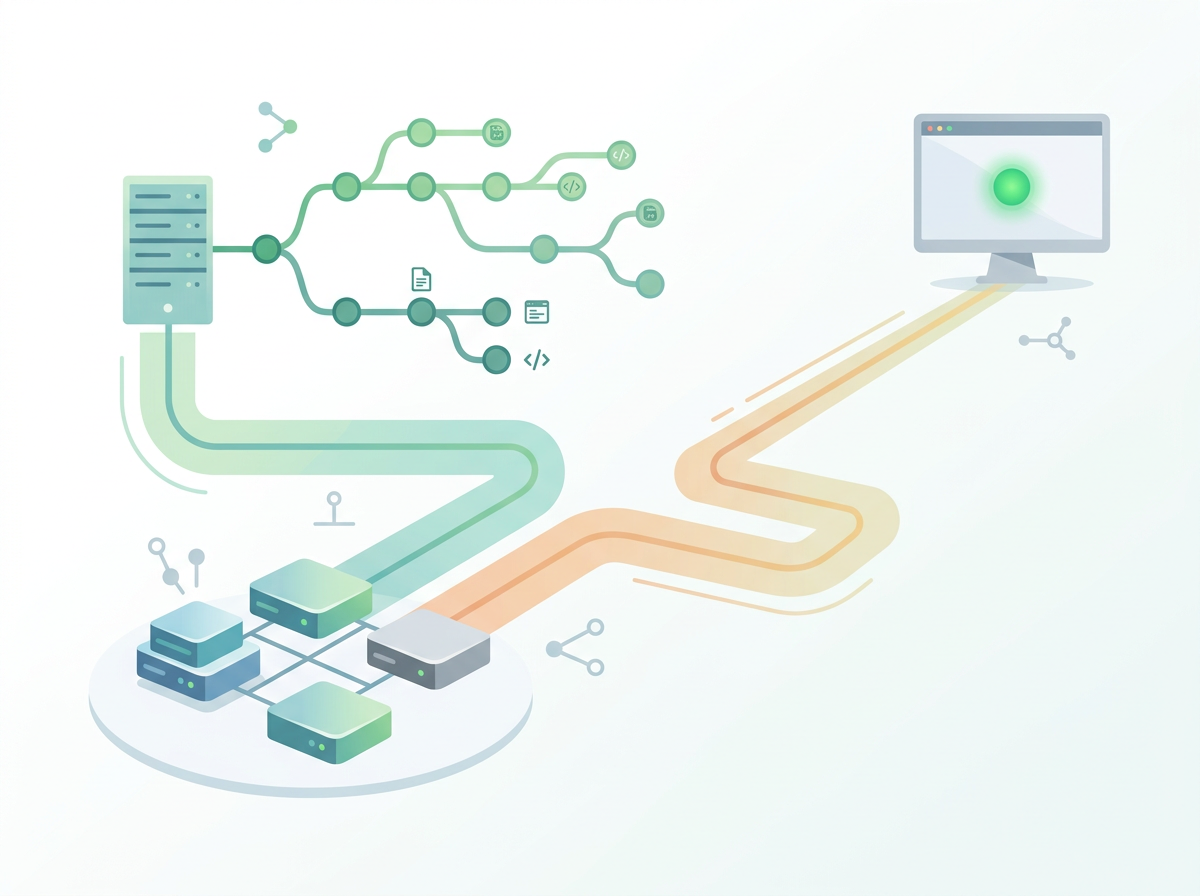
For a small, cautious setup, combine two things:
- A self-hosted dashboard or a Git-based export job for configuration backups.
- A separate monitor that watches whether routers are online.
Keeping them separate means a problem with one does not blind the other. Git backups are especially cheap: a cron job runs /export over SSH for each router and commits the result, so every change shows up as a diff.
For logs, you can forward syslog from the routers to one place. We cover that in viewing logs from all your MikroTik routers in one place.
When is a hosted tool a better fit than self-hosting?
A hosted service makes sense when the thing you most need is to be told quickly that something is down, or when your routers have no public IPs and you do not want to run tunnel infrastructure.
Centipid Access is one such option. It is not a self-hosted tool, so it is not an answer to the "my own server" part of the question. It fits alongside one, or instead of one, when monitoring and remote access are the priority:
- Setup is a single command pasted into the MikroTik terminal, which creates an SSTP tunnel. Tunnel state syncs every 30 seconds.
- It shows online, offline and tunnel state for each router, and alerts you by Telegram or email.
- You can access routers remotely over the web or with WinBox without public IPs.
- You can save scripts, attach them to routers and run them now or on a schedule.
- Backups are kept for 30 days on all plans.
The free plan covers one device permanently, with no credit card. Ten devices would need a paid tier: Growth at $29 a month covers 15 devices with 1-minute polling and Telegram alerts, while Starter at $10 a month covers 4. Telegram alerts are listed from Growth upward. For comparison of broader platforms for ISPs, see our roundup of software for managing multiple MikroTik routers.
Self-hosted or hosted: how do you decide?
Choose self-hosted if you have a reliable server, enjoy owning the stack, need data to stay on your own infrastructure, and your routers are reachable. Choose hosted if you lack public IPs, want alerts independent of your own network, or would rather not maintain another service. Many teams do both: a self-hosted config tool plus a hosted monitor that stays up when their own network does not.
FAQ
Is WinBox a free tool to manage MikroTik devices?
Yes, WinBox is free from MikroTik, but it manages one router at a time from your computer. It does not run on a server as a fleet manager or send alerts.
Can I manage 10 MikroTik routers with Git alone?
Yes, for configuration history. A scheduled script exports each router's config and commits it. It will not show live status or run bulk commands without extra tooling.
Do free self-hosted tools send outage alerts?
Some do, but alerting varies by project and is often basic. Check each tool's documentation. A separate monitor outside your network avoids the problem of your server going down with your network.
Can I manage MikroTik routers without public IP addresses?
Yes, using a VPN tunnel such as SSTP or WireGuard from each router to a central point. You can run that yourself or use a service that sets up the tunnel for you.
Does Centipid Access run on my own server?
No. It is a hosted monitoring service. It can complement a self-hosted tool by watching your routers from outside your network.
Is there a free plan for Centipid Access?
Yes. The free plan covers one device with email alerts and 5-minute polling, with no credit card required.