The MikroTik management tools that work fully offline or air-gapped are WinBox (and WebFig/SSH), the built-in RouterOS tools such as The Dude, and self-hosted dashboards you install on your own server, such as MikroWizard or MikroTik Manager. Anything that needs a vendor's cloud to reach your routers is not air-gapped. Below is how to choose, what each option can and cannot do, and where a hosted service like Centipid Access fits alongside an offline setup.
What does "offline" or "air-gapped" actually mean for MikroTik management?
Offline means the tool never needs the vendor's servers to function; air-gapped means the management network has no route to the internet at all. These are different requirements, and tools qualify differently.
- Cloud-free: the software runs on your hardware and talks to routers directly. It may still check for updates or licences online.
- Truly air-gapped: the software and its dependencies install from local media, with no licence checks, telemetry or package downloads at runtime.
- Remote-access free: you reach routers only over the local network or a private VPN, not through a vendor relay.
Before choosing, ask three questions: does it need internet to start, does it phone home on a schedule, and how do I update it with no connection?
Which tools work with no cloud at all?
WinBox, WebFig, SSH and the RouterOS API work without any cloud, because they connect straight to the router's IP. Everything else is built on those same interfaces.
WinBox, WebFig and SSH
WinBox is MikroTik's own GUI and connects by IP or MAC address over a local layer 2 segment. WebFig runs in the router's browser interface, and SSH gives you the terminal. None require an internet connection, and they are the baseline for any air-gapped site. Their limit is scale: you manage one router at a time.
The Dude
The Dude is MikroTik's free network monitor and mapper. You run the server on RouterOS or a Windows machine, and it discovers devices, draws maps and sends local notifications. It suits an isolated network because it needs no external service. It is dated in interface and limited for config changes across many routers.
Self-hosted fleet dashboards
Several projects run on your own server and manage routers over SSH or the REST API. Examples named in this space include MikroWizard, MikroTik Manager and open-source dashboards on GitHub. They typically give you inventory, bulk configuration, backups and scheduled tasks. For a deeper look at this category, see our guide to free self-hosted tools for managing MikroTik devices.
When evaluating one for air-gapped use, verify:
- It installs from a container image or package you can carry in on media.
- It has no licence server or telemetry calls.
- Its database is local and you can back it up yourself.
- It supports the RouterOS versions you run.
Scripts and automation you own
RouterOS scripting, scheduler entries, and tools like Ansible or Python over SSH work with no external dependency. For small fleets, a Git repository of exported configs and a script that pushes changes is a perfectly good air-gapped workflow.
How do the options compare?
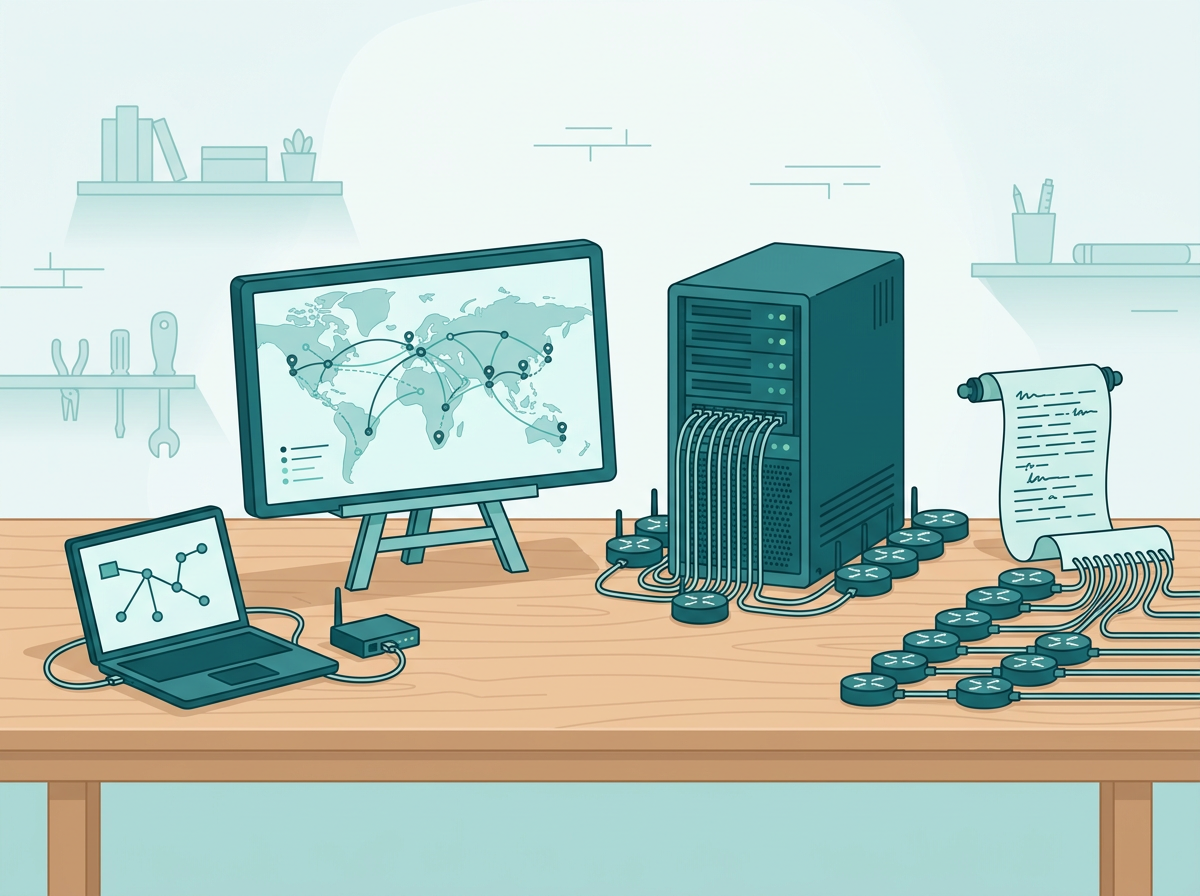
| Option | Works with no internet | Fleet-wide actions | Remote access without public IP | Effort |
|---|---|---|---|---|
| WinBox / WebFig / SSH | Yes | No, one router at a time | No | Low |
| The Dude | Yes | Monitoring, limited config | No | Medium |
| Self-hosted dashboard | Usually, verify licensing and updates | Yes | No, you provide VPN | Medium to high |
| Custom scripts / Ansible | Yes | Yes | No | High |
| Hosted monitoring (e.g. Centipid Access) | No | Scripts, backups, monitoring | Yes, through SSTP tunnel | Low |
How do I manage routers remotely without cloud or public IPs?
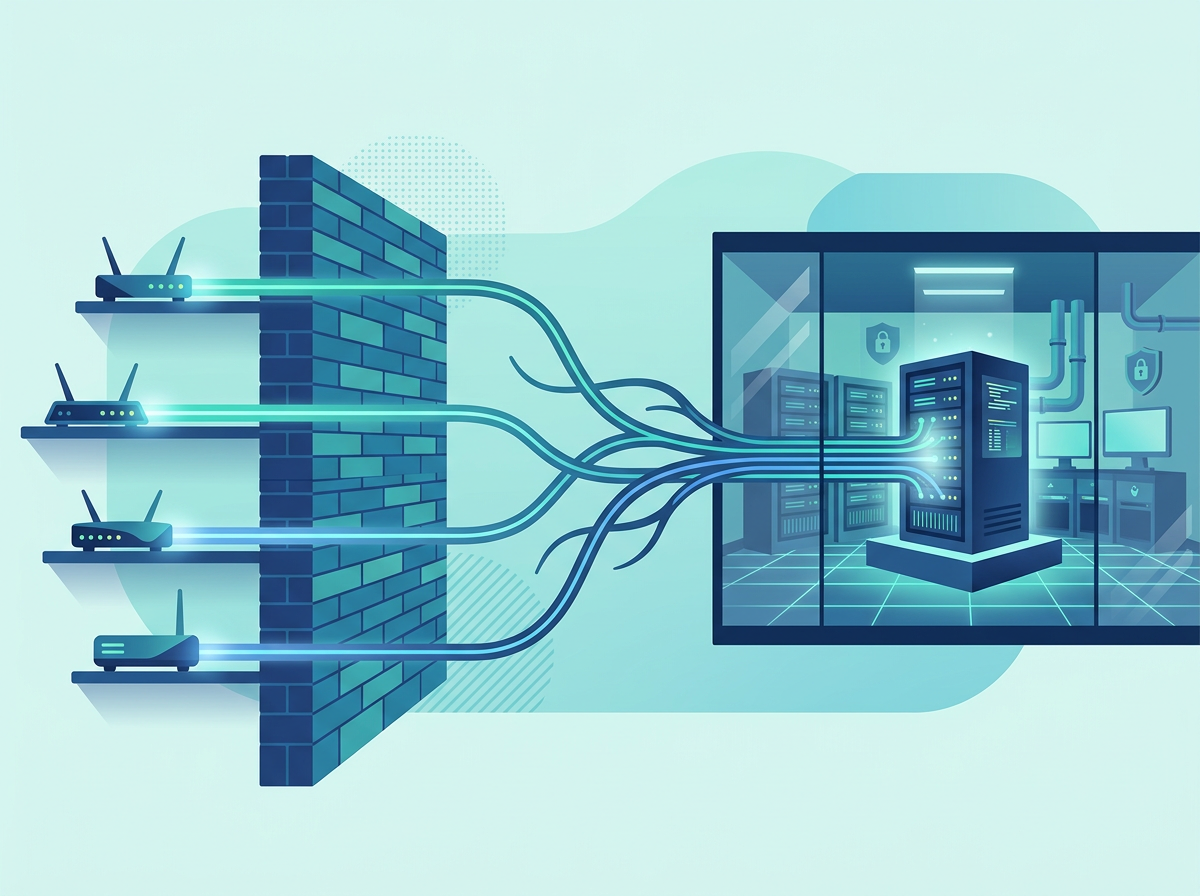
Run your own VPN concentrator that the routers dial into. MikroTik supports WireGuard, IPsec, OpenVPN, L2TP and SSTP, so a router behind CGNAT or an LTE link can build a tunnel out to a server you control. Once the tunnel is up, WinBox or your self-hosted dashboard reaches the router over the tunnel address.
Practical tips:
- Put the VPN server in the management network, not on a shared host.
- Use certificates or strong keys, and restrict management services (WinBox, SSH, API) to the tunnel interface.
- Keep a local out-of-band path, such as a console cable or a separate management port, for when the tunnel fails.
This is the part self-hosting costs you in time. Remote sites on LTE or satellite make it harder; our article on managing remote LTE and satellite sites covers that situation.
What do you give up by going fully offline?
You give up outside-in visibility: if your management server and the routers are on the same isolated network, nothing tells you when the whole site is unreachable. Offline tools can alert locally, but a failure that takes down the site also takes down the alert path.
Other trade-offs:
- Updates are manual. You carry in new tool versions and RouterOS packages yourself.
- Backups need a plan. Store them off the management server, on separate media.
- Logging is local. You need your own syslog server; see how to view logs from all MikroTik routers in one place.
- No mobile alerts unless you add an internal SMS or email gateway.
When does a hybrid approach make sense?
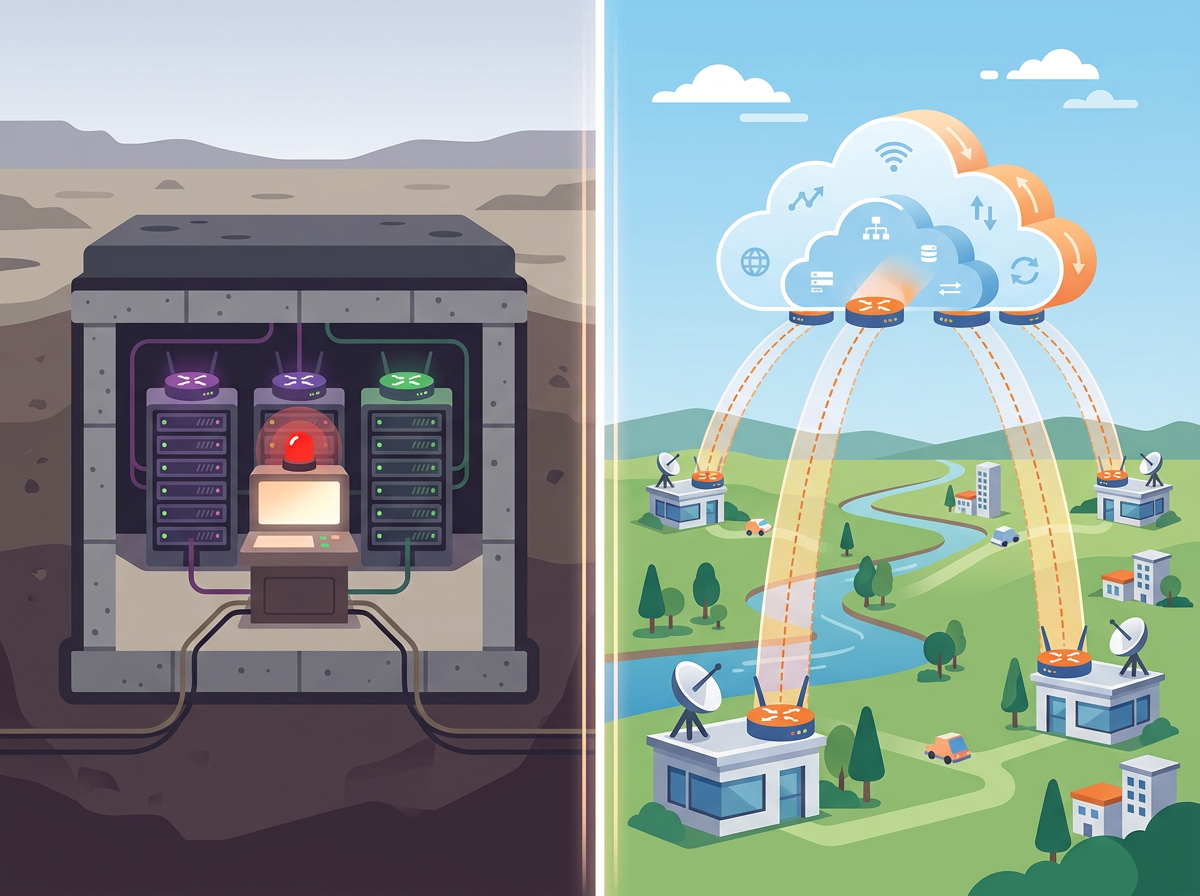
If only some sites are truly air-gapped, keep those on local tools and use a hosted service for everything that has internet. Many operators run a mix: isolated core or regulated sites managed with WinBox and self-hosted tooling, and branch or customer routers monitored externally.
Centipid Access is not an air-gapped tool, and it should not be your choice for a network that must never reach the internet. It is useful for the connected part of a fleet. A single command pasted into the MikroTik terminal creates an SSTP tunnel, and the router's online, offline and tunnel state is tracked, with the tunnel state synced every 30 seconds. You get Telegram or email alerts, remote access through web and WinBox without public IPs, saved scripts you can run now or on a schedule, and backups with 30-day retention on all plans. The free plan covers one device, so you can test it on a single router. If you are comparing hosted options for a service provider, see the best software to manage multiple MikroTik routers.
How should I choose?
- Must never touch the internet: use WinBox, The Dude, scripts or a self-hosted dashboard, plus your own VPN and syslog.
- Self-hosting is acceptable, internet is available: a self-hosted dashboard keeps data on your server; add an external monitor so you hear about site-wide outages.
- Many remote sites behind CGNAT: a tunnel-based service saves you running and securing your own VPN infrastructure.
Whatever you choose, test the tool with the network cable unplugged before you rely on it.
FAQ
Does WinBox need the internet?
No. WinBox connects directly to a router by IP or MAC address on the local network. Downloading WinBox itself requires a connection once, but you can carry the executable in on media.
Can The Dude run without cloud services?
Yes. The Dude server runs on your own RouterOS device or Windows machine and monitors devices on your network with no external service.
Are self-hosted MikroTik dashboards really air-gapped?
Not automatically. Check each project for licence checks, update calls and external assets, and test it on a network with no internet route before deploying.
How do I reach a MikroTik behind CGNAT without a vendor cloud?
Have the router dial out to a VPN server you control, using WireGuard, SSTP, OpenVPN or similar, then manage it through the tunnel address.
Is Centipid Access suitable for air-gapped networks?
No. It is a hosted service that connects to routers through an SSTP tunnel, so it needs internet access. It fits the connected portion of a fleet, with a free plan for one device.
How do I back up configs on an offline network?
Use scheduled RouterOS exports or backups pushed by script to a local server, and copy them to separate media regularly.