Yes, you can self-host a MikroTik controller, but there is no official MikroTik product that does it the way UniFi or Omada controllers do. MikroTik's own cloud features (such as its Cloud DDNS and backup services) are hosted by MikroTik. To run a controller on your own server, you use a third-party or open-source management platform, or you assemble one yourself from RouterOS tools such as the API, SSH, scripts and WireGuard or SSTP tunnels.
Does MikroTik offer a self-hosted controller?
No. MikroTik does not ship an official self-hostable controller for RouterOS routers. Its cloud-related features are services run by MikroTik, and the company has asked its community about controller needs on the forum without a settled answer. In practice, MikroTik admins choose between three paths: a third-party platform you install yourself, a third-party platform hosted by the vendor, or a DIY stack.
The Dude, MikroTik's free monitoring tool, is the closest thing to an in-house option. It is a monitoring and mapping server you can run on your own hardware, but it is not a full controller: it does not push configuration to a fleet the way a wireless controller does.
What are my self-hosting options?
The main options are self-installed management platforms, The Dude, and a custom stack built on RouterOS's own interfaces. Names that come up often include MKController, MikroWizard, MikroTik Manager, mikroHUB, Cloutik and Admiral Platform. Some of these are open source or installable on your own server; others are hosted services. Check each project's current documentation for its deployment model, since this changes between versions.
For a deeper look at tools you can run on your own hardware, see free self-hosted tools to manage 10 MikroTik devices. If your sites cannot reach the internet at all, read MikroTik management tools that work offline or air-gapped.
DIY with RouterOS tools
You can build a controller-like setup without any product. The usual building blocks are:
- RouterOS API or SSH for pushing configuration and reading state.
- Scripts and schedulers on the routers themselves.
- A VPN or tunnel (WireGuard, SSTP, L2TP) so routers behind NAT reach your server.
- Syslog and SNMP for logs and metrics. See how to view logs from all your MikroTik routers in one place.
- Automation such as Ansible or Python to apply changes at scale.
This gives full control and zero vendor dependency, but you own every part: patching, backups, authentication, and uptime of the server itself.
Self-hosted vs hosted: how do they compare?
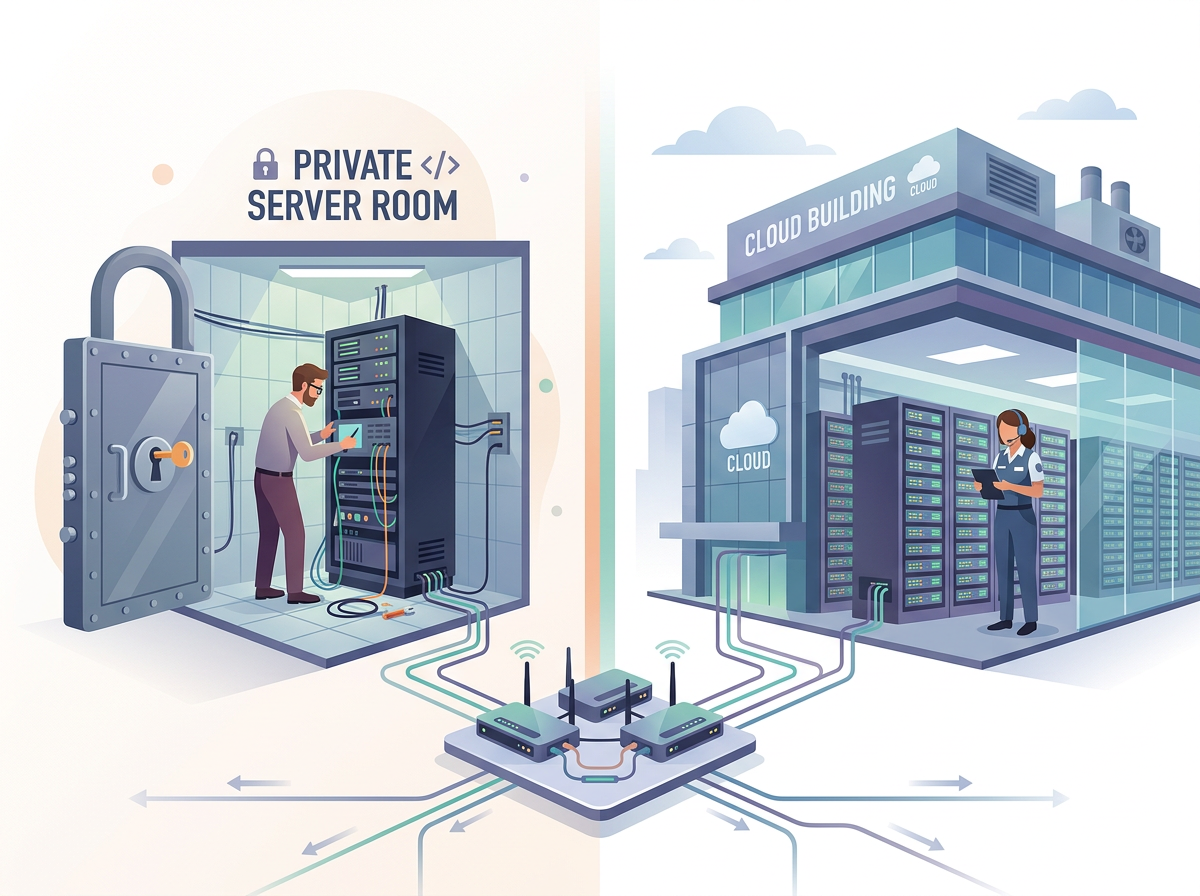
Self-hosting trades convenience for control. The table summarizes the practical differences.
| Factor | Self-hosted | Hosted service |
|---|---|---|
| Data location | Your own server | Vendor's infrastructure |
| Setup effort | Install, secure and maintain yourself | Usually sign up and connect routers |
| Reaching routers behind NAT | You must provide a public endpoint or tunnel server | Often handled by the vendor |
| Updates and patching | Your responsibility | Vendor's responsibility |
| Availability | Only as reliable as your server | Depends on vendor |
| Cost | Server and your time | Subscription |
| Works air-gapped | Yes, if designed for it | No |
What do I need to self-host a controller?
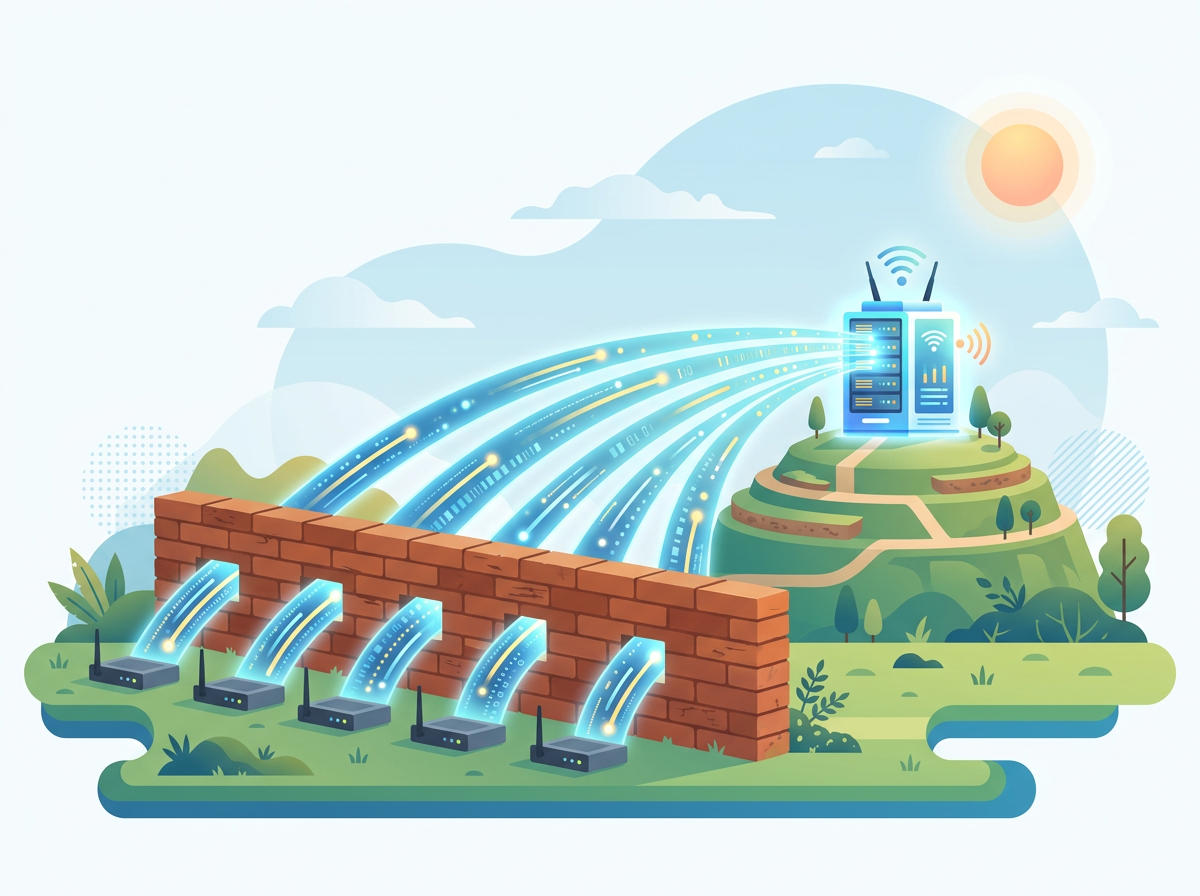
You need a server, a way for routers to reach it, and a plan for security and backups. Specifically:
- A reachable server. A VPS or on-prem machine with a stable public address, or a VPN hub if routers are on private networks.
- A tunnel strategy. Many MikroTik sites sit behind CGNAT or LTE with no public IP, so routers usually need to dial out to your server.
- Credential handling. Use dedicated API users with limited permissions rather than full admin accounts, and restrict by source address.
- TLS and access control. Put the interface behind HTTPS and ideally a VPN or SSO.
- Backups of the controller itself. If it holds your router configs, it is now a critical asset.
Remote sites such as LTE or satellite links add latency and unstable connections; managing remote LTE and satellite sites covers what to plan for.
When does self-hosting make sense?
Self-host when data residency, air-gapped networks, or full control matter more than saving time. It also suits teams with existing Linux operations skills and a small, stable fleet. It makes less sense if nobody is on call to keep the controller itself healthy, because a down controller during an outage is the worst moment to discover it.
What if I do not want to run the server?
A hosted service removes the server work while still reaching routers that have no public IP. Centipid Access is one such option: it monitors MikroTik routers and lets you reach them remotely through the web and Winbox without public IPs. Setup is one command pasted into the router terminal, which creates an SSTP tunnel whose state is synced every 30 seconds. It also covers scripts you can run now or on a schedule, backups with 30-day retention, and Telegram or email alerts. It is not a self-hosted product, so it fits teams that prefer not to maintain infrastructure. The free plan covers one device, so you can test it on a single router. For fleet comparisons, see the best software to manage multiple MikroTik routers.
A sensible hybrid is to self-host your configuration tooling and use an independent hosted monitor to watch it. If your own server fails, an outside monitor still tells you.
What are the risks of self-hosting?
The main risks are security exposure, single points of failure and maintenance debt. A controller with credentials for every router is a high-value target, so keep it patched and off the open internet where possible. Check that any third-party project is actively maintained and supports your RouterOS version before committing a fleet to it.
FAQ
Is there an official MikroTik cloud controller I can install myself?
No. MikroTik does not offer an official self-hostable controller for RouterOS devices. Options are third-party platforms, The Dude for monitoring, or a custom stack.
Can The Dude replace a cloud controller?
Partly. It handles monitoring, maps and alerts well and runs on your own hardware, but it is not designed for fleet-wide configuration management.
Can I manage routers with no public IP from a self-hosted server?
Yes, if the routers dial out to your server through a tunnel such as WireGuard or SSTP. You must host and secure that tunnel endpoint.
Is self-hosting cheaper?
Not always. The software may be free, but you pay in server costs and admin time. Compare that against a subscription for your fleet size.
Can I combine self-hosting with a hosted monitor?
Yes. Many teams manage configs in-house and use an external service for uptime and alerting, so an outage of their own infrastructure is still noticed.